SYSTEMS
A place for everything, and everything in reach.
Modern apps are rarely one page. They are systems: records and the map they sit on, a query and its results, a document and the conversation about it, an agent at work and what it is working on.
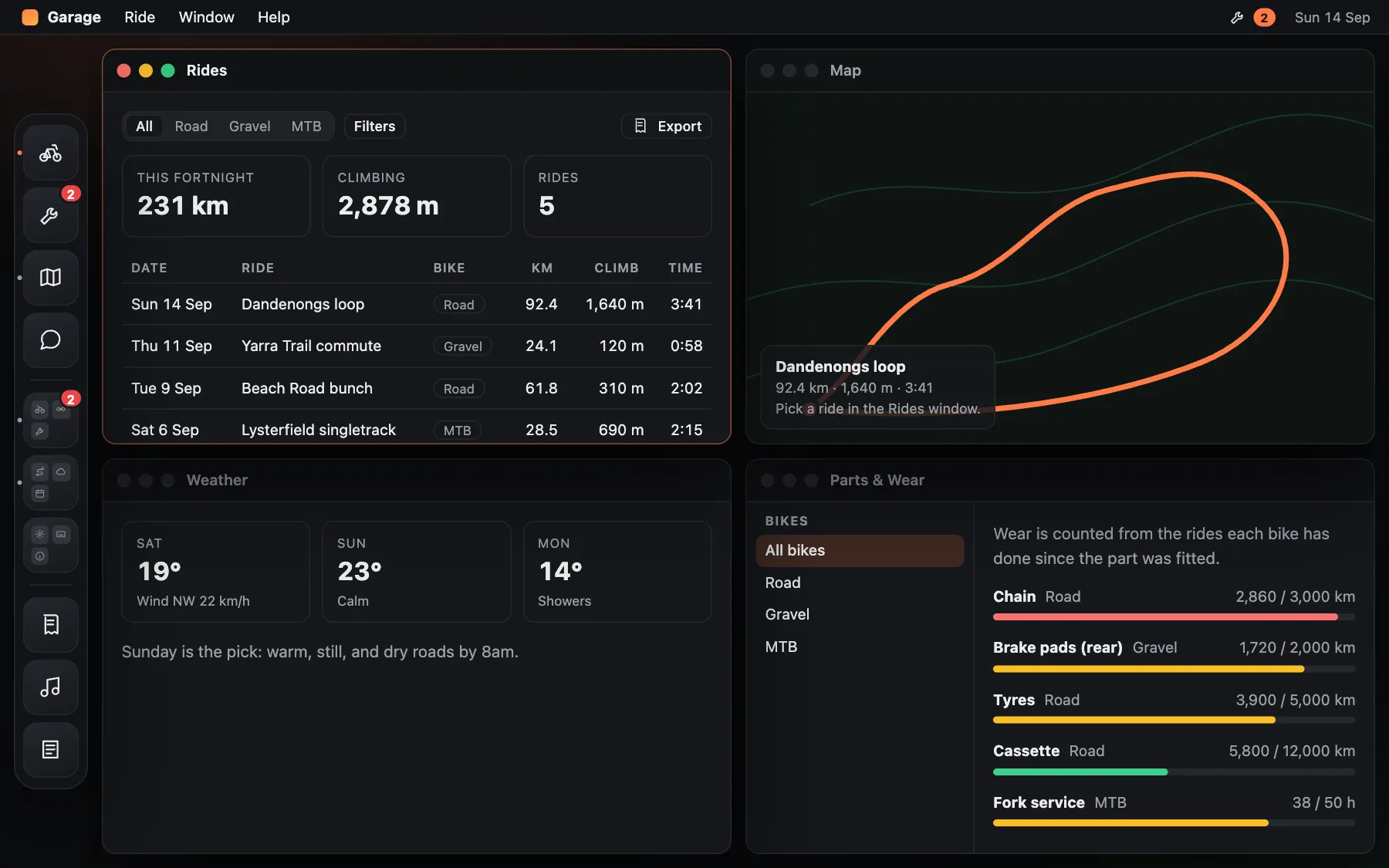
Desk gives them the shape people already know for working in a system: windows, a dock and a menu bar. Like a well-organised kitchen, what you are using is out on the bench, the rest is a reach away, and nothing is piled on top of anything else.
A page with one task at a time is better as a page.
- Every window opens filling the desk, and keeps filling it as the browser resizes. Nothing is laid out behind anyone’s back.
- Window → Arrange (⌥⌘A) lays them out once: two side by side, three as one tall and two stacked, four as a grid.
- Drag a title bar to free a window. Drop it on the left or right edge and it takes that half.
- Minimize keeps a window loaded: the half-written message, the paused video, the request still running.
- Unplug a display and its windows come back onto the laptop. Plug it in and they go out again, exactly as they were.
- Each window loads and fails on its own, and keeps its DOM when focus moves, so carets, scroll and iframes survive.
A LOOK AROUND
Everything a desktop has.
Every screenshot is the same sample app, examples/garage, a bike garage on the desk.
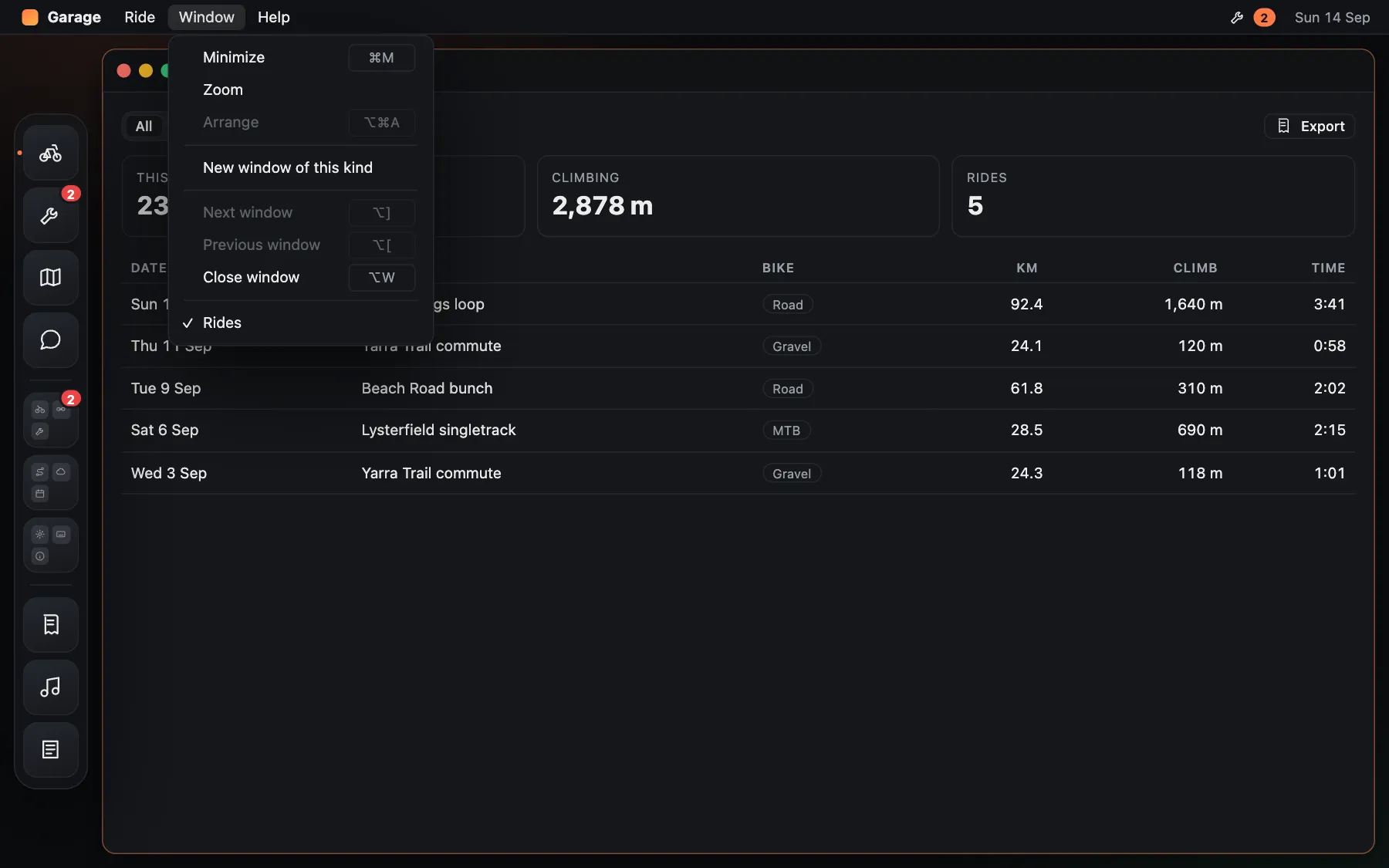
Dock and menu bar
A dock with badges and stacks, a menu bar with real menus, and a Window menu that lists what is open.
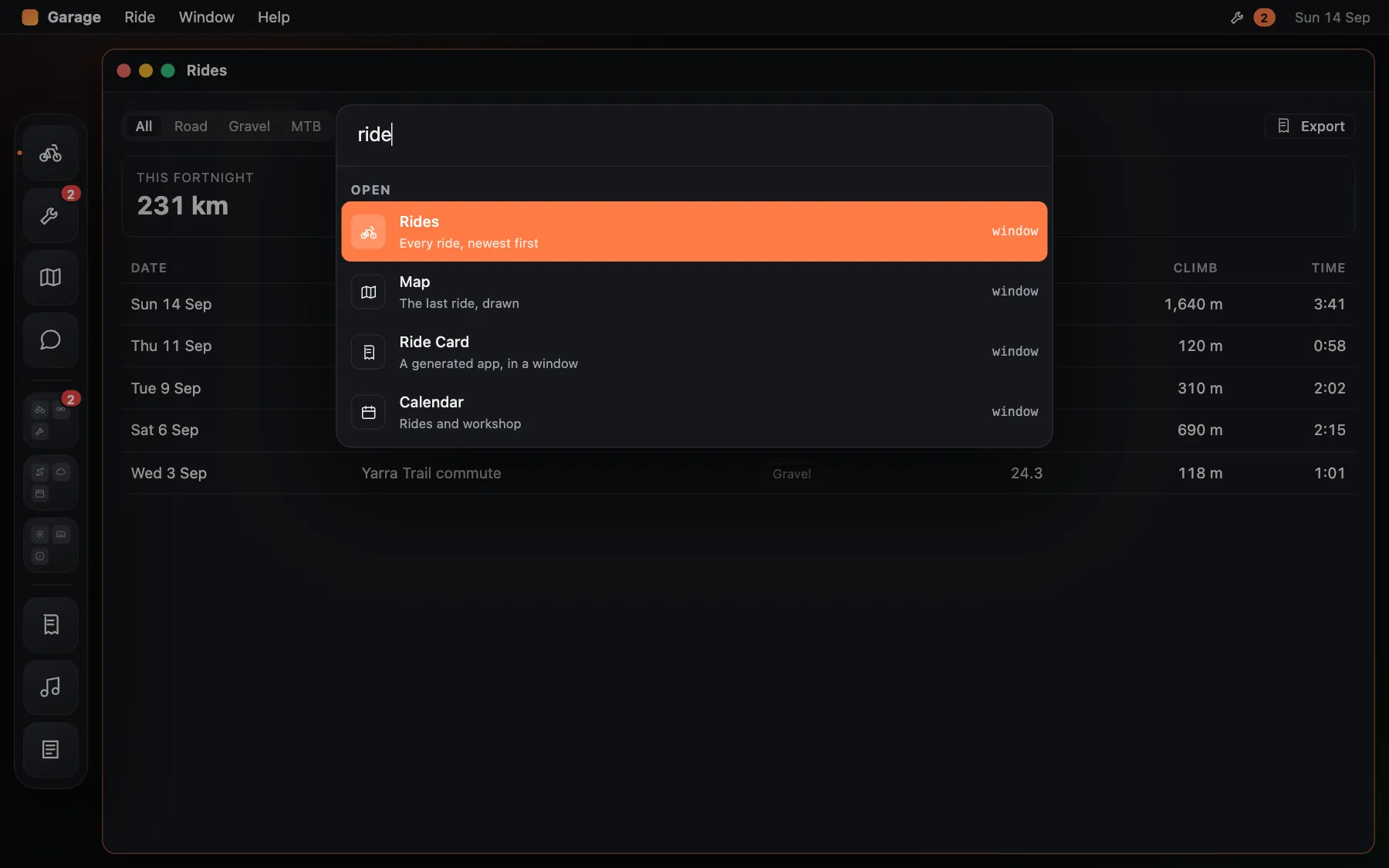
Search
A keyboard-driven palette, grouped. Your app supplies the results; windows come for free.
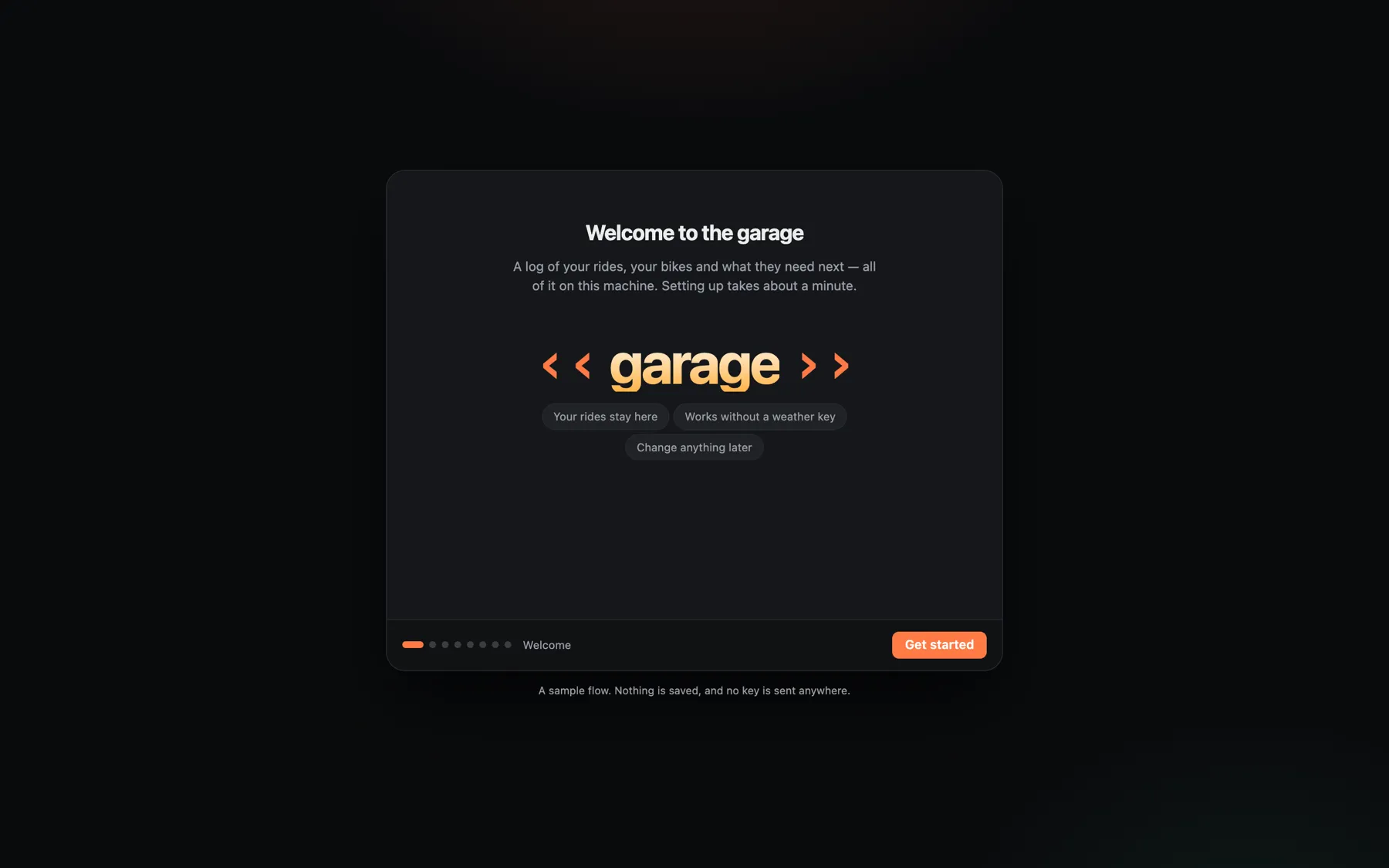
Setup assistant
First run as one question at a time, with the steps named along the bottom.
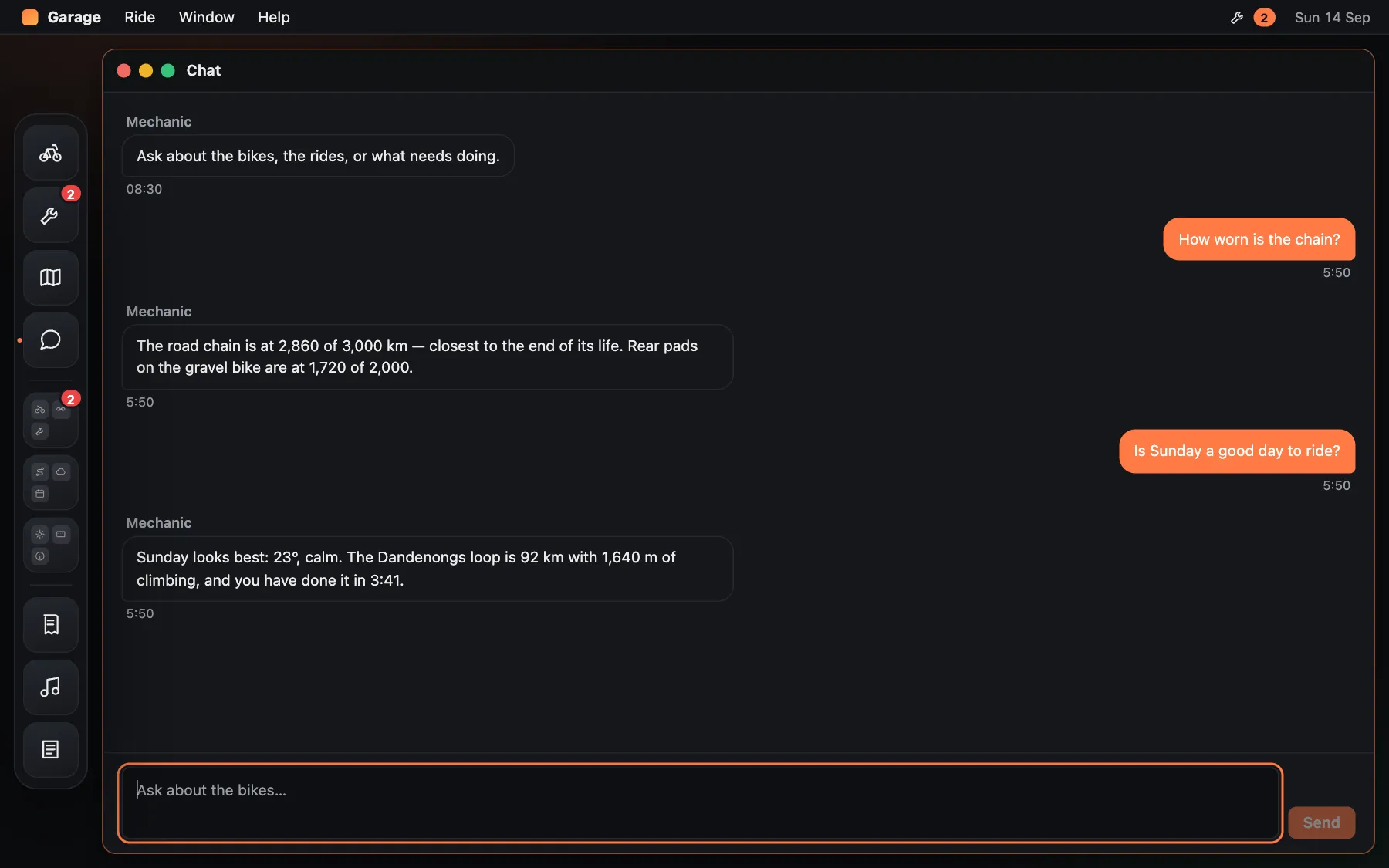
Conversation
A thread and a composer, with no opinion about who, or what, is answering.
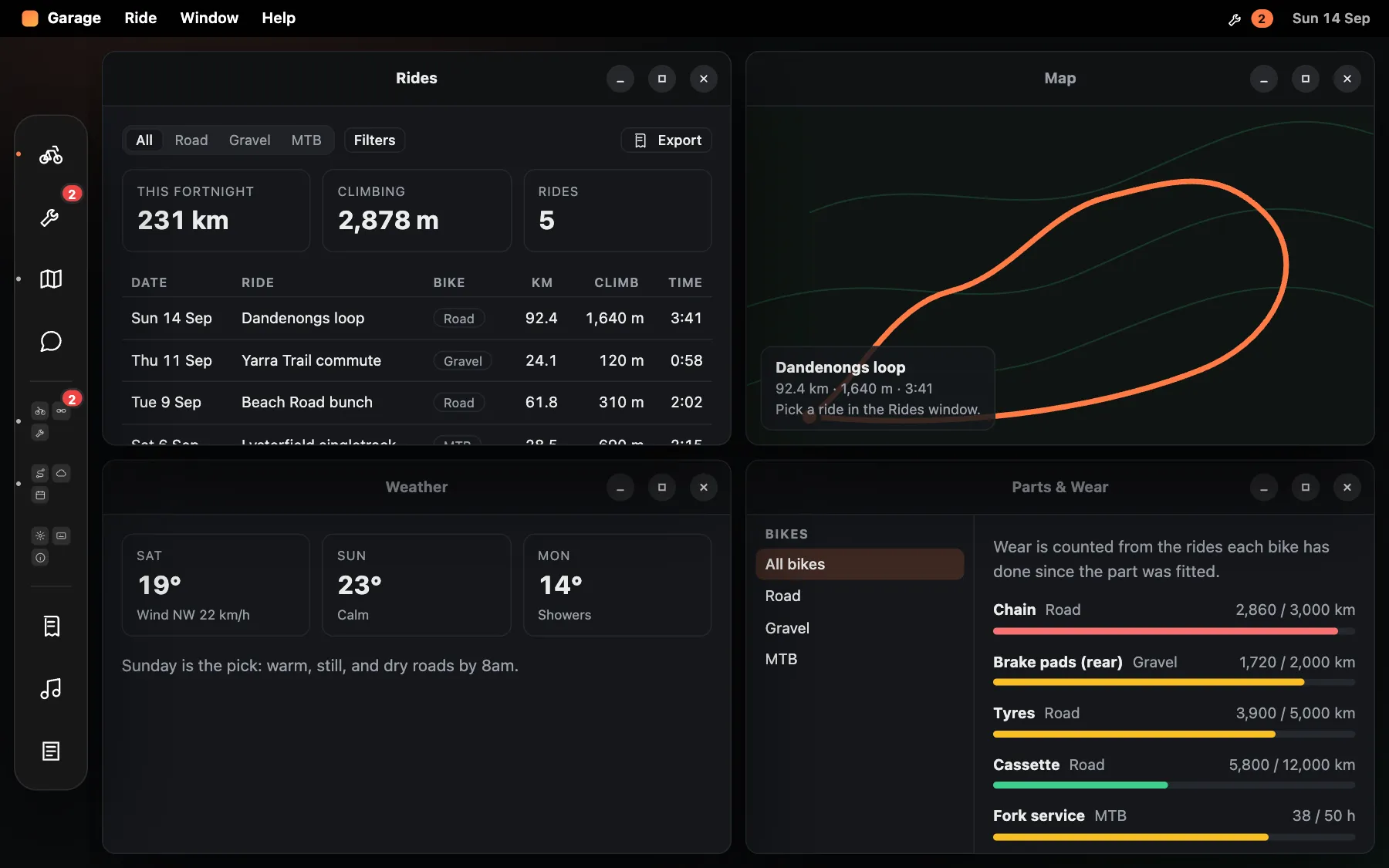
Looks
The same desk in the GNOME look, or the Windows look, or the Mac one, as the platform it is on suits.
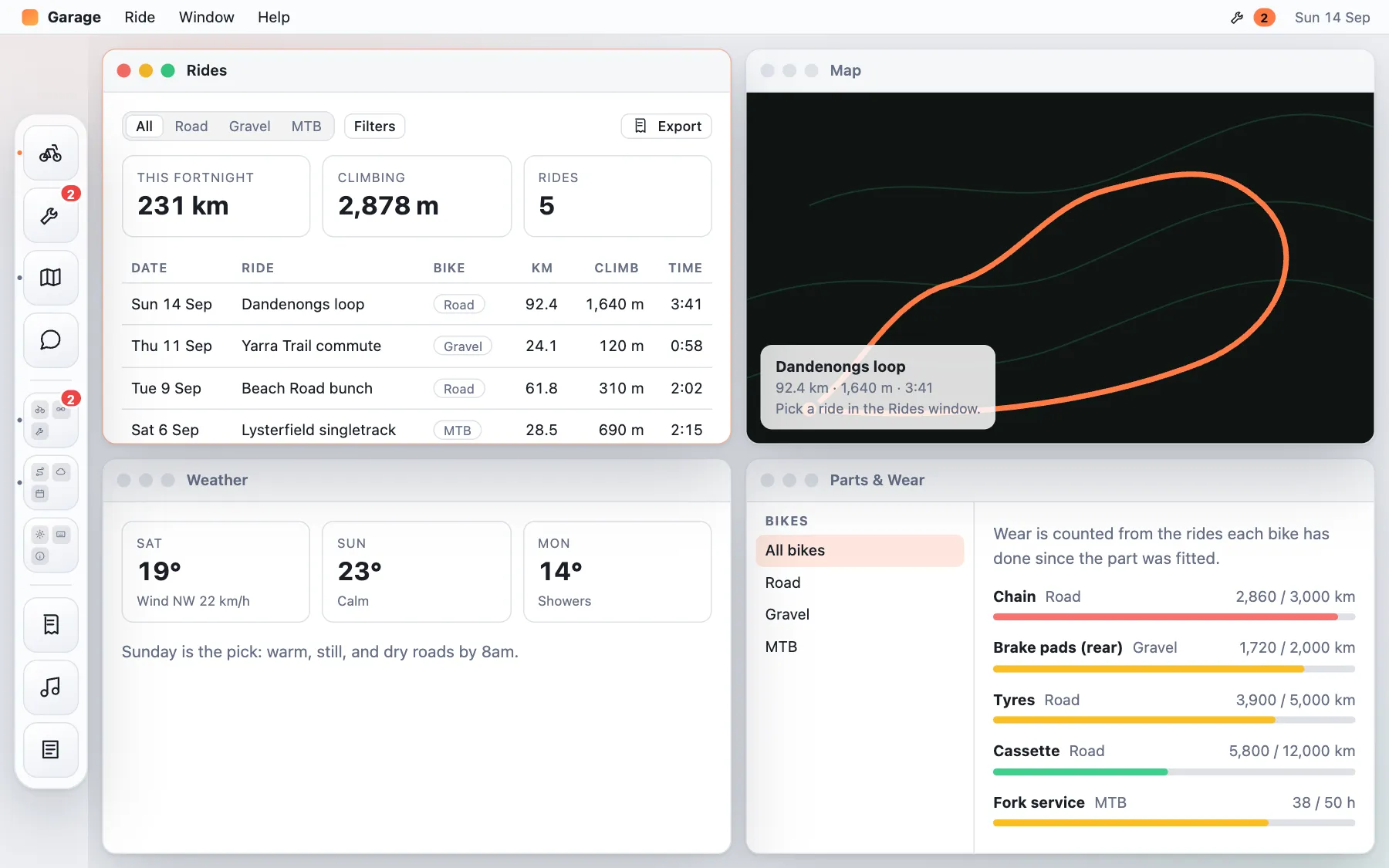
Light and dark
Every value reads a --desk-* token. Redefine the tokens, not the selectors.
AND
The parts you would otherwise write.
Tours
Walk people through the real windows, waiting for them to try each step.
Commands
Copy, Close and Find go to whoever is responsible, as AppKit’s responder chain does.
Generated apps
A page an assistant wrote runs in a window and takes part like any other.
Dragging between windows
Drag a ride from a list onto a map, with typed payloads.
Services
Work that outlives a window: the request still running when it closes.
Links and Back
Links open windows, and Back goes back, on the desk and in the tab.
Touch
On a phone or tablet, one window at a time, every other one still alive.
No React in the core
createDesk() is a plain object: a router, a test or a tour can drive it.
Controls, panes and splits, status lamps, page dots, overlays, icon views and sounds too: see the README.
START
The smallest desk.
Install it, give it a title and a body for each window, and open one. renderWindow is called with a window’s id; the desk never owns what it renders.
Two windows onto the same thing are one kind with different ids: desk.openInstance('query') gives query, then query#2.
import { createDesk } from '@liberation-data/desk'
import { Desktop, DeskProvider } from '@liberation-data/desk/react'
import '@liberation-data/desk/desk.css'

const desk = createDesk()

export function App() {
  return (
    <DeskProvider desk={desk}>
      <button onClick={() => desk.open('notes')}>Notes</button>
      <Desktop
        title={id => TITLES[id]}
        renderWindow={id => SURFACES[id]}
        empty={<p>Nothing open</p>}
      />
    </DeskProvider>
  )
}